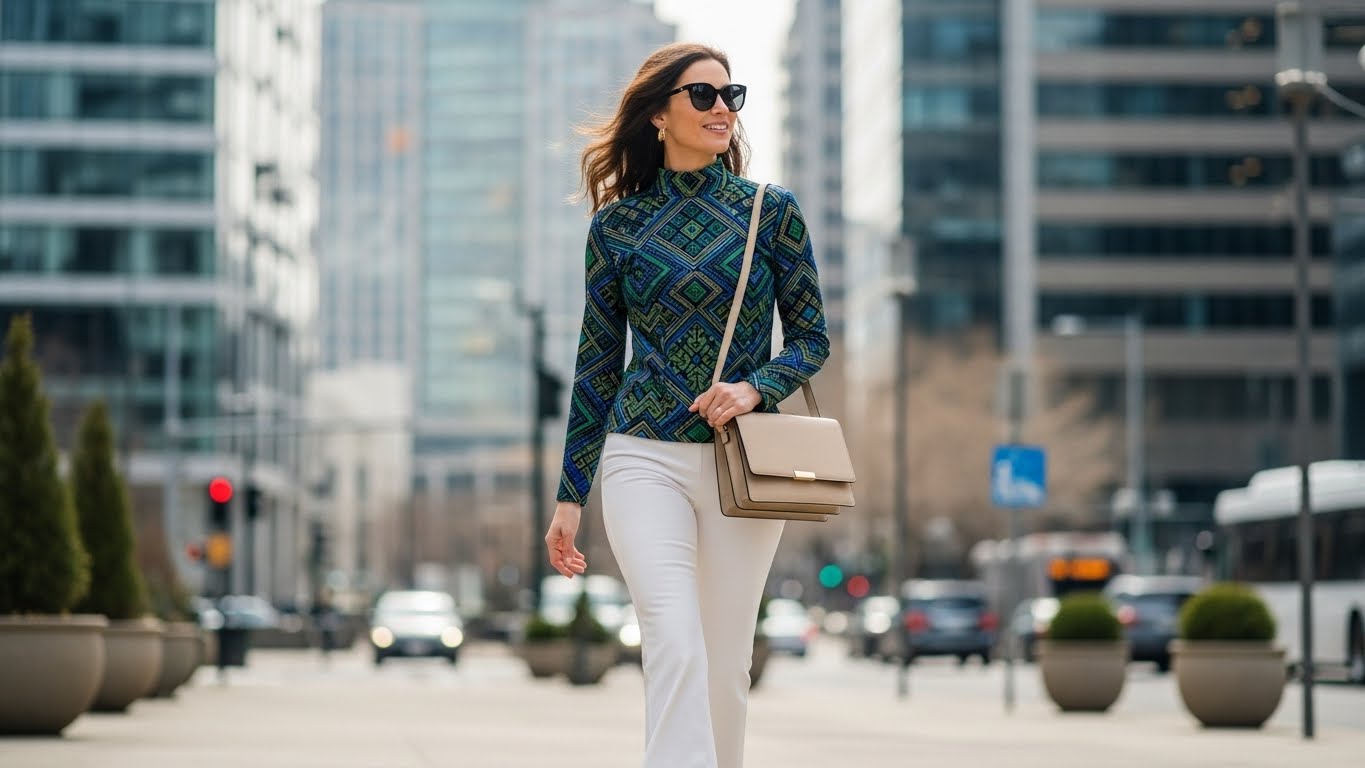
Creating cinematic brand videos no longer requires massive budgets, film crews, or VFX studios. With modern AI tools, brands can now produce hyper-realistic, cinematic advertisements featuring giant-scale models interacting with products - all digitally.
In this guide, you'll learn how to create a cinematic brand video using AI, step by step, using image generation and image-to-video tools like Google Gemini AI, Veo 3.1, and Google Flow.
Why AI based Cinematic Brand Videos Work
This model brand videos instantly:
Capture attention on social media
Communicate brand authority and scale
Look premium and high-budget
Increase engagement and recall
This format is ideal for:
Product launches
Brand awareness campaigns
Instagram Reels & YouTube Shorts
High-impact digital ads
Step 1: Generate the Cinematic Brand Hero Image
Your video begins with a high-quality cinematic image, which will later be animated into a realistic brand film.
1. Choose an AI Image Generator
Use an AI tool that supports hyper-realistic image prompts, such as:
Google Gemini AI
Any advanced AI image generator capable of photorealism
2. Upload Your Product Image
Upload a clean, high-resolution product image with:
Clear logo
Accurate brand colors
Minimal background distractions
This ensures your branding translates perfectly into the final image and video.
3. Use the Cinematic Giant-Scale Image Prompt
Copy and paste the prompt below into your AI image generator:
4. Generate and Save the Image
Once generated:
Check logo accuracy
Verify lighting and shadows
Ensure proportions feel realistic
This image will serve as your brand hero frame.
Step 2: Animate the Image into a Cinematic Brand Video
Now convert the static image into a cinematic AI video.
1. Choose an Image-to-Video AI Tool
Recommended tools:
Google Flow
Google Gemini AI with Veo 3.1
Kling
Pika
These tools support realistic motion and cinematic depth.
2. Upload the Brand Image
Upload the image generated in Step 1 as the starting frame.
3. Use the Video Animation Prompt
Paste the following prompt into your video generator:
This keeps the animation:
Subtle
Realistic
Professional
4. Add Optional Brand Dialogue
You can enhance the video by adding short dialogue:
Example:
Short, confident lines work best for brand recall.
5. Generate the Video
The final output will be:
Ultra-realistic
Cinematic
High-impact
Ready for ads and social media
Best Practices for High-Quality AI Brand Videos
Use daylight scenes for realistic lighting
Keep animation speed slow and natural
Ensure brand colors match the product
Avoid long dialogues
Focus on subtle motion for premium feel
Tools & Resources
Google Gemini AI (Image + Video)
Create images and videos using Veo 3.1
https://gemini.google/overview/video-generation/
Veo 3.1 Models & API Documentation
Advanced image-to-video workflows
https://ai.google.dev/gemini-api/docs/video
Google Flow - AI Filmmaking Tool
Cinematic scene generation and control
https://labs.google/fx/tools/flow
Final Thoughts
AI-powered cinematic brand videos with giant-scale models allow brands to:
Stand out visually
Reduce production costs
Create premium, viral-ready content
Scale marketing faster
This workflow is perfect for modern brands that want cinema-level storytelling without cinema-level budgets.


